Autodesk has released Maya 2025.1
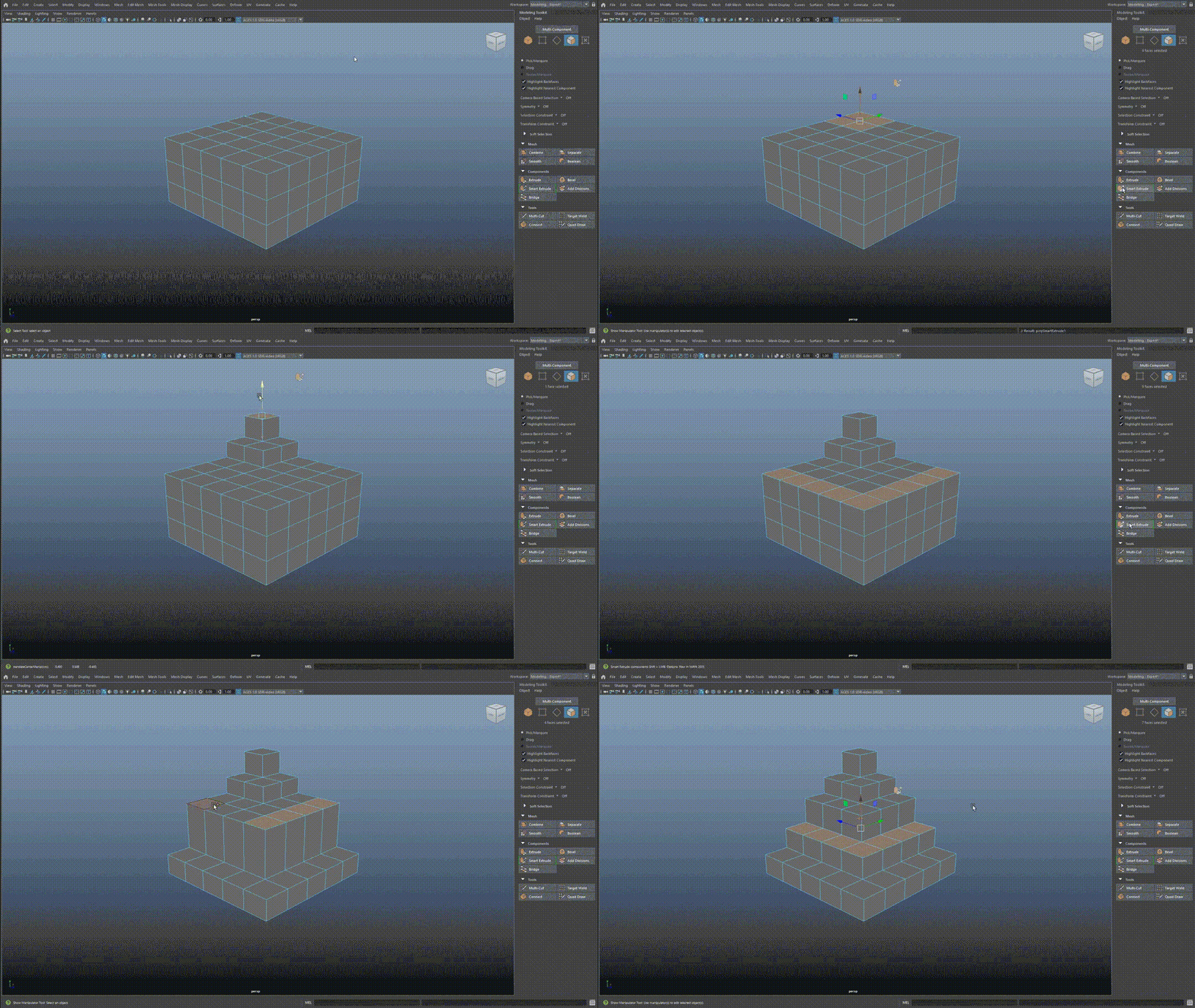
Smart Extrude, a new geometry extrusion system, originally brought from 3ds Max to Maya in Maya 2025, received several workflow enhancements in Maya 2025.1. Among the key changes are the ability to access Smart Extrude from the poly-modeling toolkit and a viewport icon that distinguishes the manipulator from the Move tool.
For model retopology, Autodesk has released Flow Retopology for Maya 1.0, a new plugin available separately from the main application. It mimics the functionality of the existing Retopologize tool but allows sending retopology tasks for processing in the cloud rather than on the user's machine. Besides preventing Maya's interface from freezing when dealing with complex geometry, the plugin enables processing multiple retopology tasks concurrently. Maya subscribers can process up to 30 tasks in the cloud per month, provided that their execution doesn't exceed six hours. Details can be found in the current terms of use.
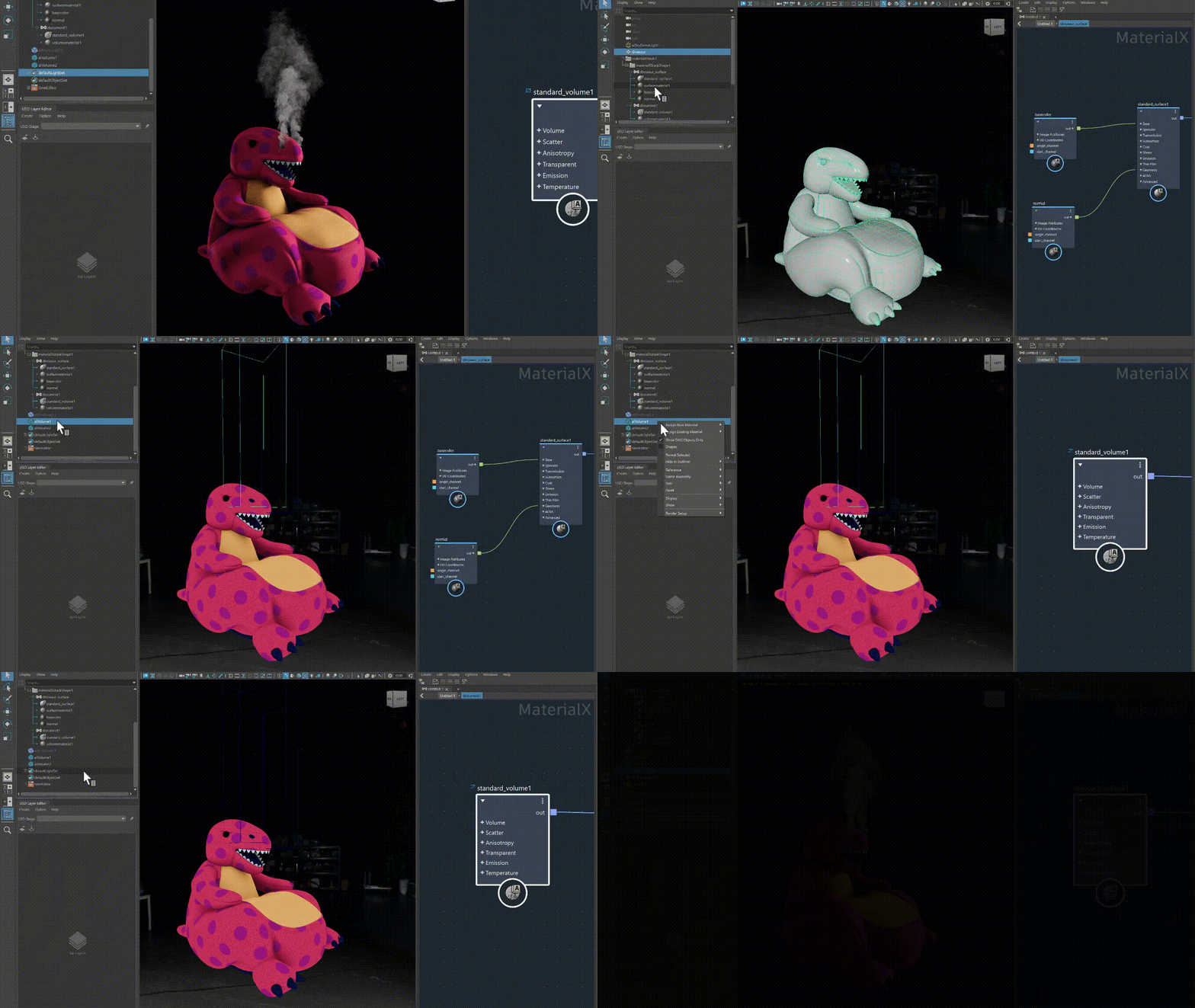
Autodesk has also updated LookdevX - a toolset for shading graphs in USD and MaterialX introduced in Maya 2024. Workflow improvements in LookdevX 1.4.0 include the ability to hide nodes by right-clicking on them and the Node Library view for browsing nodes. The new MaterialX data model now supports volume shaders as well as surface shaders and displacements, allowing for the visualization of volumetric effects such as smoke. Additionally, many key Arnold materials, including standard_surface, can now be viewed when working with a MaterialX model.
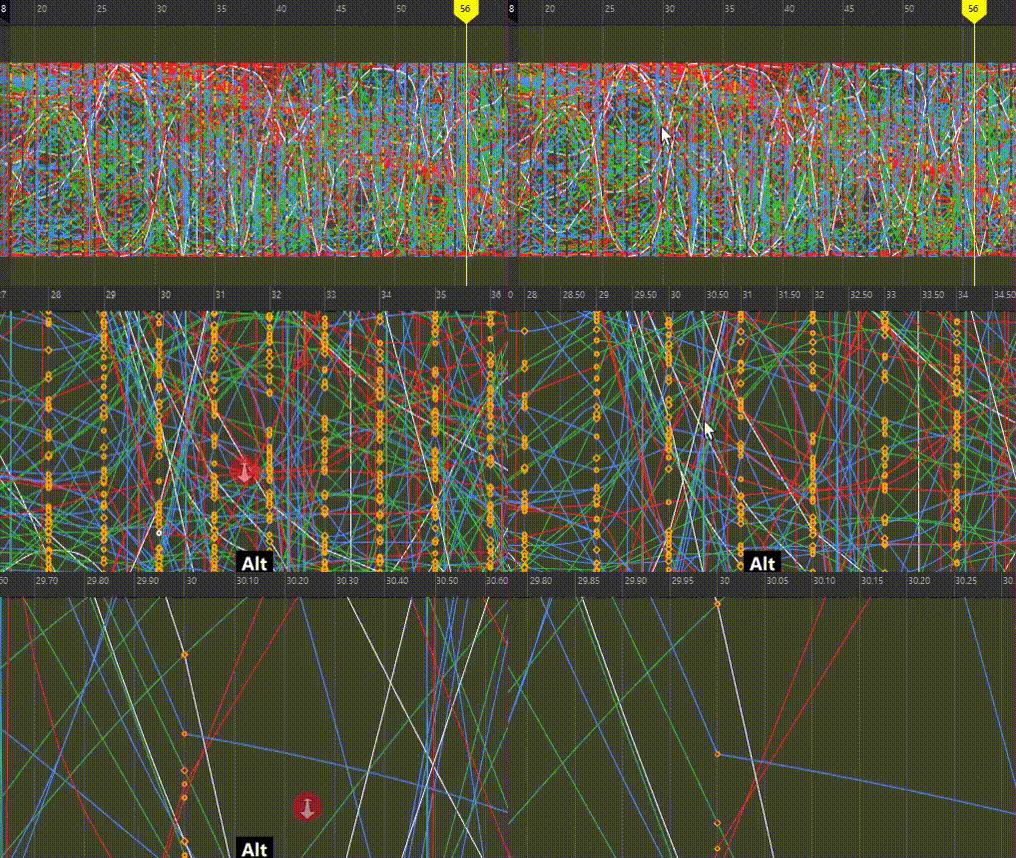
Animators receive workflow improvements in both the Graph Editor and Dope Sheet. In both editors, scaling can now be done based on the cursor position rather than the center of the window, making it easier to navigate complex animations. The Dope Sheet Editor also has new options for selecting keys, key binding, channel baking, and exporting channel sets, now supporting multiple audio tracks. Additionally, gamma and exposure levels can now be adjusted in Playblasts.
Bifrost for Maya, an Autodesk plugin for creating multiphysics effects, has also received several workflow improvements. The key changes in Bifrost for Maya 2.10 include a new Node Library window, allowing nodes to be added to the graph via drag-and-drop. Unlike the existing Tab menu, it can be filtered by namespace and allows for selecting and adding multiple nodes simultaneously.
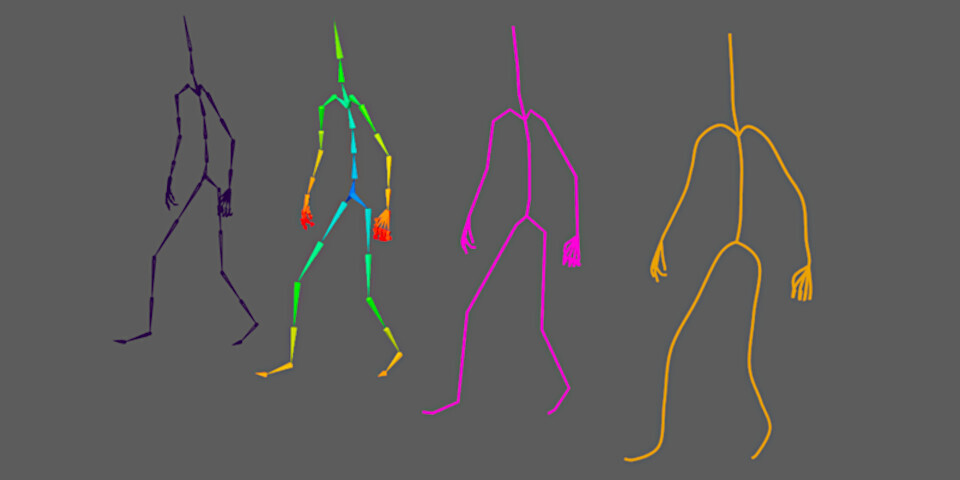
Two new SDKs have been introduced: the Executor SDK for executing Bifrost graphs from the command line, enabling automation of common tasks, and the Geometry SDK, providing access to geometry created by Bifrost graphs. However, perhaps the most interesting change is the new set of nodes for building and processing skeletal geometry. While still in development, they provide an "early look into the rigging workflow development capabilities in Bifrost."
The integration plugin for the Arnold renderer from Autodesk has been updated: in version MtoA 5.4.1.2, the Open Image Denoise (OIDN) render denoising feature is enabled by default, and the workflow with RenderView snapshots has been improved. It also supports the new functionality of Arnold 7.3.1.
The USD and Substance plugins for Maya have been updated: in version USD for Maya 0.28, the ability to lock USD layers to prevent accidental editing has been added. Substance for Maya 3.0 adds support for Substance 3D Connector, a new open framework from Adobe for transferring data between DCC applications.
Maya is available for Windows 10 and above, RHEL and Rocky Linux 8.7/9/3, as well as macOS 12.0 and above. The software is available by subscription only. The subscription cost is $235 per month or $1,875 per year. In many countries, artists earning less than $100,000 per year and working on projects worth less than $100,000 per year are eligible for the Maya Indie subscription at a price of $305 per year. Maya Creative is available on a paid basis, with prices starting at $3 per day, and a minimum cost of $300 per year.
Спасибо поправили.