
Archicad 30 opens the model to AI in the higher subscription tiers
Graphisoft has wired AI directly into the working Archicad model. In Archicad 30 the assistant helps with documentation and works with the project itself in natural language. Through the MCP protocol it gets access to real model data and can perform batch edits that the user approves. The same access is open to third-party desktop AI applications, for example Claude Desktop and Cursor.
Licensing is changing in parallel. Archicad is sold in three tiers, and each one includes monthly AI credits. All new commercial licenses are issued by subscription only. Features tied to AI access to the model through MCP are available only in the two higher plans.
What AI can do with the model
Graphisoft describes the new set like this: model-aware assistance, built-in visualization, smart selection of elements and workflows through MCP. In practice these are several separate tools.
- AI Assistant is built into Archicad and is still in beta. It is called up with a button in the lower right corner of the model window or through the Window > Palettes > AI Assistant menu. The assistant helps you learn the program, finds answers in the documentation and understands natural-language queries about the model. An internet connection is required.
- AI Assistant Spaces builds a personal knowledge base from the user's documents. Based on them, the assistant answers questions, makes summaries and draws conclusions.
- Archicad MCP gives AI direct access to the live BIM model in real time. The assistant can run a multi-step scenario all the way through: from a natural-language request to a batch change that the user approves. Graphisoft stresses that the process always stays under the client's control.
- AI Visualizer works in the cloud. It turns a model view into a near-photorealistic image, and the generative model can be chosen, for example Nano Banana Pro. That way a conceptual model can quickly be turned into a picture for the client or for comparing options without leaving the model.
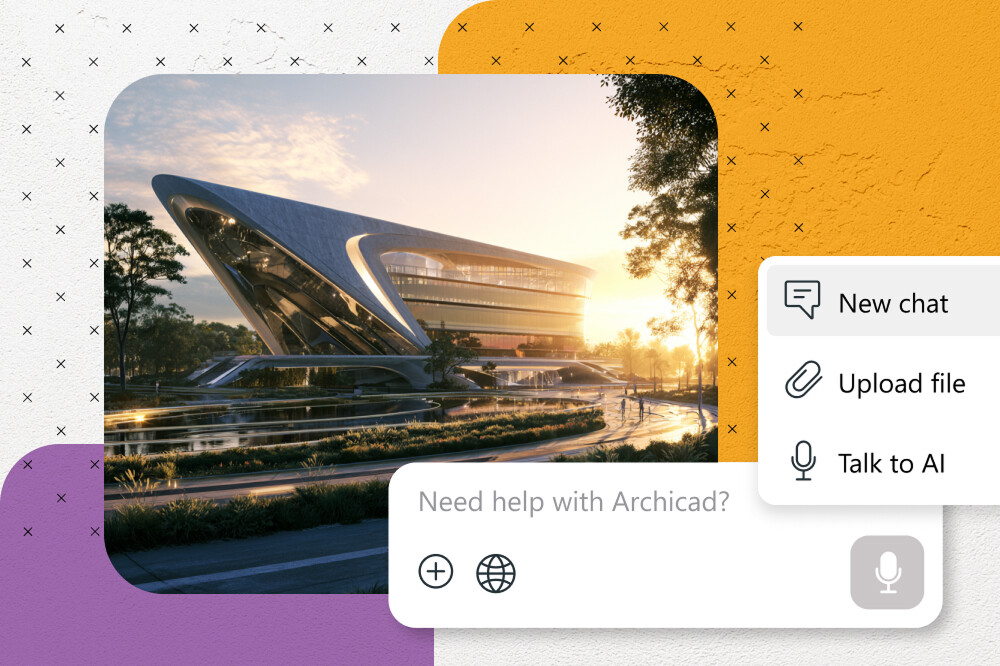
An external AI client can be connected through the Public Archicad MCP Server, which is also in beta. The procedure is described in the Archicad 30 help. In the Options menu you open the Desktop AI Tool Connection dialog, copy the connection string from it and paste it into the AI application. This has to be done once for each application. Claude Desktop, Cursor and locally running models will do, if they support connecting to a local MCP server. The feature requires a Collaborate or Max subscription.
Links to other programs
For mixed teams the most noticeable link is probably the one with Autodesk Forma, which is included in the Collaborate and Max tiers. Archicad can natively pass models and data to Forma and the applications related to it, including Revit. An Archicad firm working with engineers or a general contractor on Autodesk products gets a direct path for exchanging the model.
The other integrations:
- Bluebeam, BIMplus and Solibri for collaboration and model checking;
- Enscape, Twinmotion and D5 for external visualization;
- viewing models at full scale in Apple Vision Pro and BIMx;
- built-in tools for load-bearing structures with automatic creation of a structural analytical model that updates in real time and serves for coordination with engineers.
Archicad still ships for macOS and Windows. The versions are fully compatible in file format and in Teamwork, so one project can be worked on from different platforms.
Three tiers and AI credits
Prices are given for the United States, excluding tax, per seat on an annual prepaid subscription. Graphisoft notes that the prices are informational and the final amount depends on the billing country.
- Archicad Studio: from $201 a month, $2414 a year. Basic AI assistance and visualization, 50 AI credits per license per month into the company's shared pool.
- Archicad Collaborate: from $237 a month, $2840 a year. The same 50 credits, plus MCP with access to model context and edits, MEP Designer, BIMcloud SaaS, a connection to Autodesk Forma and early access to Nemetschek Creator.
- Archicad Max: from $475 a month, $5700 a year. 250 AI credits per license per month and access to Nemetschek Creator, the next-generation platform for the early design stages: early at first, full after release.
Credits are not tied to an individual employee and go into the company pool. Archicad can be looked at in a 30-day trial version. The trial Studio gives one free seat with unlimited access to Archicad, BIMcloud Basic and BIMx. Students, teachers and educational institutions get a free educational license renewed annually.
“All new commercial licenses are offered by subscription, and perpetual licenses will be retired after 2026.”
That is how Graphisoft phrases the transition on the product page.
Where the line between the tiers runs and what is still missing
If you break down the price difference, Collaborate is $426 a year more expensive than Studio with the same number of credits. For that money a firm gets AI access to the model through MCP, as well as MEP Designer, cloud BIMcloud and the link with Forma. Judging by the tier descriptions, in Studio the AI works as a reference tool and a picture generator, and it gets access to model data only starting with Collaborate. Max costs $2860 a year more than Collaborate. Graphisoft ties that surcharge to five times the volume of credits, full access to Nemetschek Creator, all language versions and the ProKit add-ons. The company positions Max for projects of high complexity; the larger volume of credits is probably intended for intensive use of the AI features.
Answers to a number of important questions are absent from the product page and from the help. It is unclear what exactly the credits are spent on (AI Visualizer images, requests to the assistant or edits through MCP), what happens once the pool is exhausted and whether it can be topped up. There is no description of what will happen to owners of perpetual licenses and to those who turn down a subscription after 2026. There is no explanation of how Nemetschek Creator is connected to Archicad. The assistant and the MCP server remain in beta, and the assistant needs an internet connection. Studios planning batch edits through AI on live projects will probably have to check the result: the wording “approved edits” means the last word stays with the user.
The cloud AI Visualizer and Enscape, Twinmotion and D5 apparently solve different tasks. A generative model quickly produces a picture for discussing an idea. How accurately it reproduces the geometry and materials of the model, Graphisoft does not specify. So for final visualization, animations and immersive presentations the familiar external renderers will apparently remain the main tool; the fact that the integrations with them are being kept points to the same thing.
Why is Graphisoft opening AI access to the model only in the expensive tiers: the race with Autodesk, monetizing the AI hype, the move to subscriptions?