
Oruva brings .max scenes into Blender and Maya without 3ds Max
The new program Oruva is aimed at those who receive models in .max format even though they themselves don't work in 3ds Max. It reads .max files on its own, without 3ds Max installed, and opens the scene in Cinema 4D, Blender, Maya, Houdini or SketchUp. Materials are rebuilt for whichever renderer the artist uses. The developers flatly call the usual workaround through FBX or USD a method that loses materials and textures. After such an export, shaders get rebuilt by hand for hours.
The product's second part is a model library with local search and the Oruva Link module. Through it, ChatGPT or Claude use a photo or a text description to pick models from the user's own collection and place them in the open 3D scene. The license is perpetual, the entry price is $99.
What happens to materials during conversion
Oruva takes the .max scene apart step by step: geometry with the object hierarchy, then textures (color, bump, detailing), then the material graph. In the last step it rebuilds that graph from the target package's native nodes. Supported materials become editable nodes, and the program reports every approximation in a report.
A typical case looks like this. The armchair was made in 3ds Max for Corona or V-Ray, while the visualizer assembles the interior in Cinema 4D with Redshift or in Blender with Cycles. Transferring through FBX lost materials and textures, and the maps had to be reconnected by hand. With Oruva the model should open with maps already connected and a material set up for the chosen renderer. The site has 17 screen recordings posted: they show V-Ray, Corona, Redshift, Arnold, Octane, Cycles, Eevee, Karma, Thea and Enscape in various packages.
Supported versions:
- Cinema 4D 2024 and newer (.c4d);
- Blender 4.2–5.2 (.blend);
- Maya 2024–2027 (.ma);
- Houdini 20.5–21.x (.hip);
- SketchUp 2024–2026 (.skp).
For each of the five packages you need to install the package itself, the Oruva connector and the renderer. Enscape is supported on Windows only. If 3ds Max is installed after all, the scene opens in it directly or is merged into an open 3ds Max 2027 scene through the connector, without translating materials. The full list of requirements is published on the support page.
There is a caveat too: the developers do not guarantee an exact match of the render with the original from 3ds Max. Exactly which V-Ray and Corona materials transfer one-to-one and which are only approximated is not specified in the published materials.
Assembling a scene from your own library
Oruva Link covers another stage of the work — the rough blocking of a scene, which usually eats up hours of searching for, importing and placing models. The artist shows the assistant a reference or describes the scene in words. ChatGPT or Claude look for suitable models in their library and assemble the scene right in the open 3D application, with native materials.
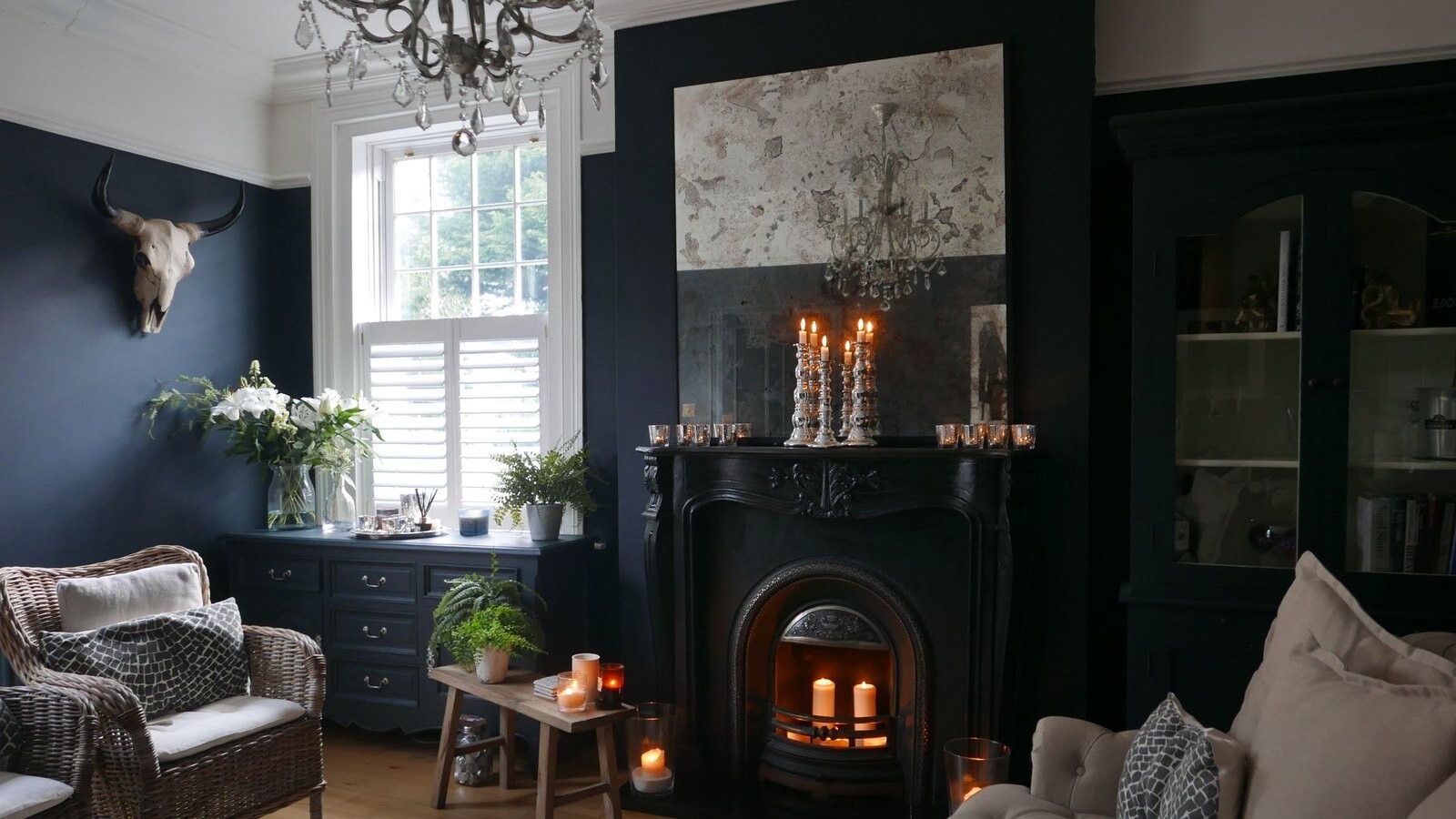
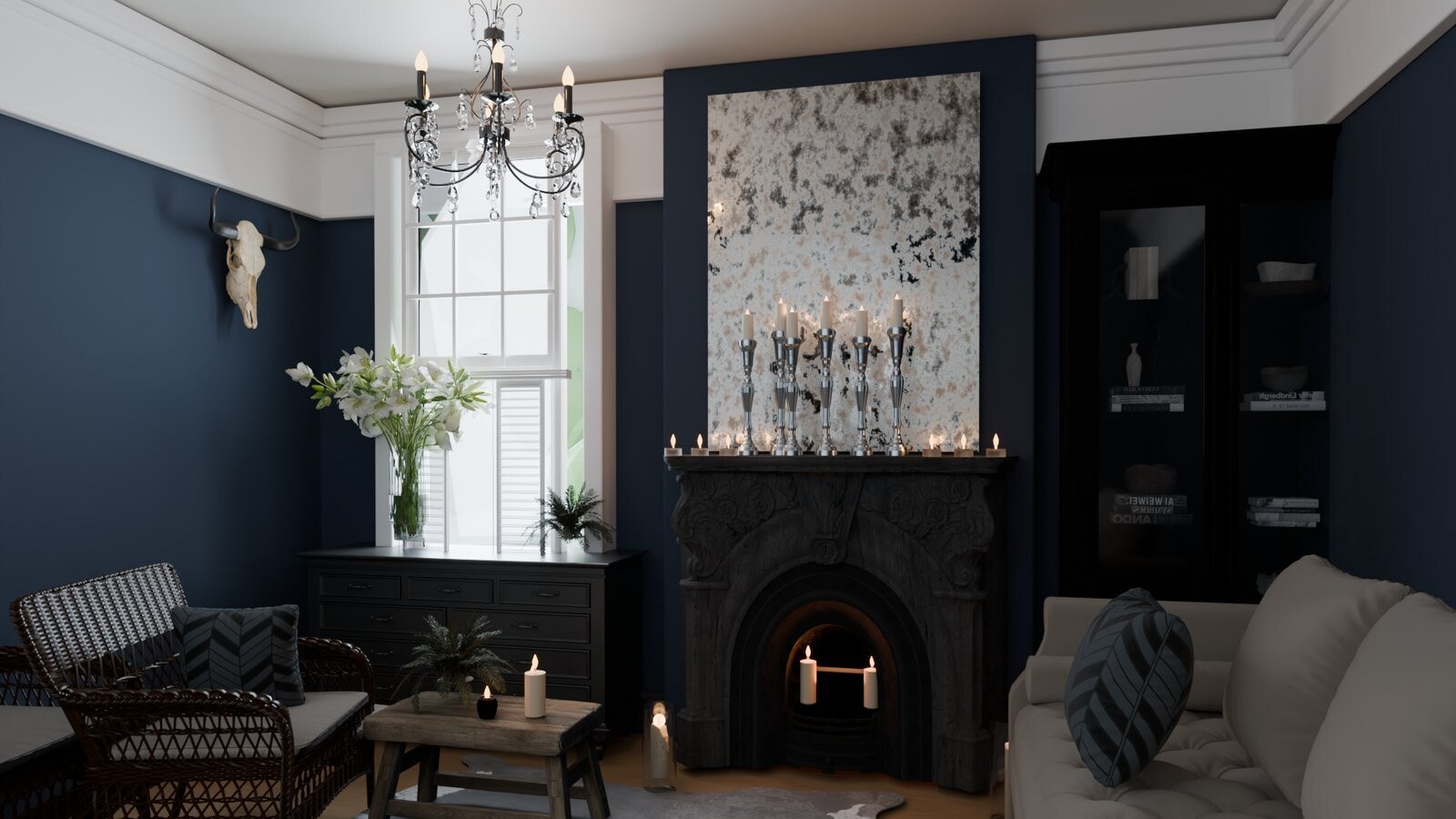
The developers stress that the service does not create new models:
“Oruva does not generate models. It assembles the scene from the ones that belong to you.”
The assistant sees only the requested previews, names, dimensions and renders. The model files themselves and the folder paths are not passed to it. According to the authors, the process was tested on a working library of more than 100,000 assets.
Link's limitations are still notable. It runs on Windows only, is included only in the paid licenses and requires the Codex app or desktop Claude. SketchUp support in Link is announced as coming soon. A separate Scene Generator tool assembles one scene from a list of models in the library and accepts up to 3 GiB of .max files per assembled scene.
A library with local search
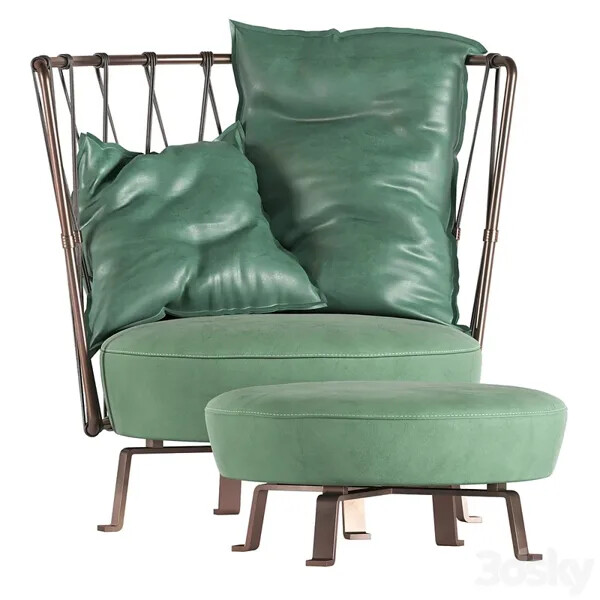
Local AI is built into Oruva for the model catalog. Right on the computer it assigns tags, gives names and searches for models, and an offline chat can be switched on if desired. You can drop a photo or a screenshot into the window: the program will isolate the object and find a visually similar model in the library. The query “green armchair with an ottoman” should return exactly such an armchair from the user's collection. In the developers' test library, Oruva automatically linked 7,985 out of 7,986 images to models.
Libraries can be created, switched between and merged, and there is a migration path for an existing Eagle library. More than 1,400 icons are available for smart folders. Community plugins are installed in the Plugin Center with a check of their permissions, and for your own extensions there is a plugin SDK. Oruva itself does not sell 3D models and does not distribute other people's content.
How much it costs and which systems it runs on
Oruva is released for Windows. The download page says downloads are paused for a few days: the developers are finishing version 1.4.3 with a new, faster conversion engine and lower memory use. A macOS version is promised soon, although the site already has recordings of .max conversion into Cinema 4D with V-Ray on a Mac, where 3ds Max has never run. There is no Linux package.
Prices when buying Oruva (one-time payment, entry prices valid until March 22, 2027):
- Individual — $99, then $149; one person, up to two computers;
- Studio for 5 seats — $399, then $599;
- Studio for 10 seats — $699, then $999.
The purchased version works perpetually, and the first year of updates is included in the price. Further updates are optional: for Individual they cost $59 a year with no subscription. The trial period lasts 14 days and includes 10 conversions with no card required. In it the Scene Generator is limited to three models per run, each assembled scene counts as one conversion, and there is no scene assembly via ChatGPT and Claude. An account is required even for the trial version, and there are no serial numbers. Conversion works offline for up to 30 days between sign-ins, and in Studio for up to 90 days. Money is refunded for any reason within 14 calendar days after payment.
The commercial side is spelled out separately. Converted models may be sold if they are yours or you have the right to distribute them, and the annual revenue of the author or company is under $500,000. Above that threshold a Publisher license is required.
How Oruva differs from other ways to open .max
Others can already read the closed .max format without 3ds Max. The online service Convert3D released a new .max importer in March 2026 with support for V-Ray, Corona and Multi/Sub-Object materials. It works right in the browser, with no installation and no file uploads, but delivers the result in exchange formats: FBX, OBJ, STL, GLB, USDZ and over 70 more. The 3dsmax to blender add-on on Superhive opens .max directly in Blender 4.2 and newer. It too runs on Windows only, shows a report on materials and textures, and on failure switches to a bridge through a locally installed 3ds Max.
Against this backdrop, Oruva is betting on two differences. The first is conversion straight into native scenes for five packages with materials for a specific renderer, bypassing an intermediate format. The second is working with the library and scene assembly around that import. Judging by the feature set, the biggest winners here will be archviz artists and interior designers who assemble scenes out of purchased furniture and decor in Cinema 4D, Blender or SketchUp. Those who only need a mesh for a game engine will probably make do with an exchange format.
There are still plenty of open questions. It is not known which versions of 3ds Max, which plugins and which object types Oruva understands. It has not been disclosed which materials it approximates and how much manual fixing is left after the approximations report. There is also no studio feedback about production use in the published materials. Add to that the dependence on an account: offline work is limited to 30 days, and in Studio to 90. Finally, the rights to models bought on marketplaces remain a question of the store's own license: Oruva separately notes that such models cannot be resold if the store's license does not allow it.
How do you transfer scenes out of .max right now?
- Through FBX or USD
- Through Convert3D